How your printer
talks to your PC.
A printer driver is a type of software that helps a computer understand and communicate with printing hardware.
Common Software Behaviors
Software Matching
Understanding why the right software version is needed for specific hardware.
Device Signaling
How the operating system waits for a response from the device.
Feature Logic
Why some software allows for more complex hardware settings than others.
Network Path
How software finds hardware across a local home network.
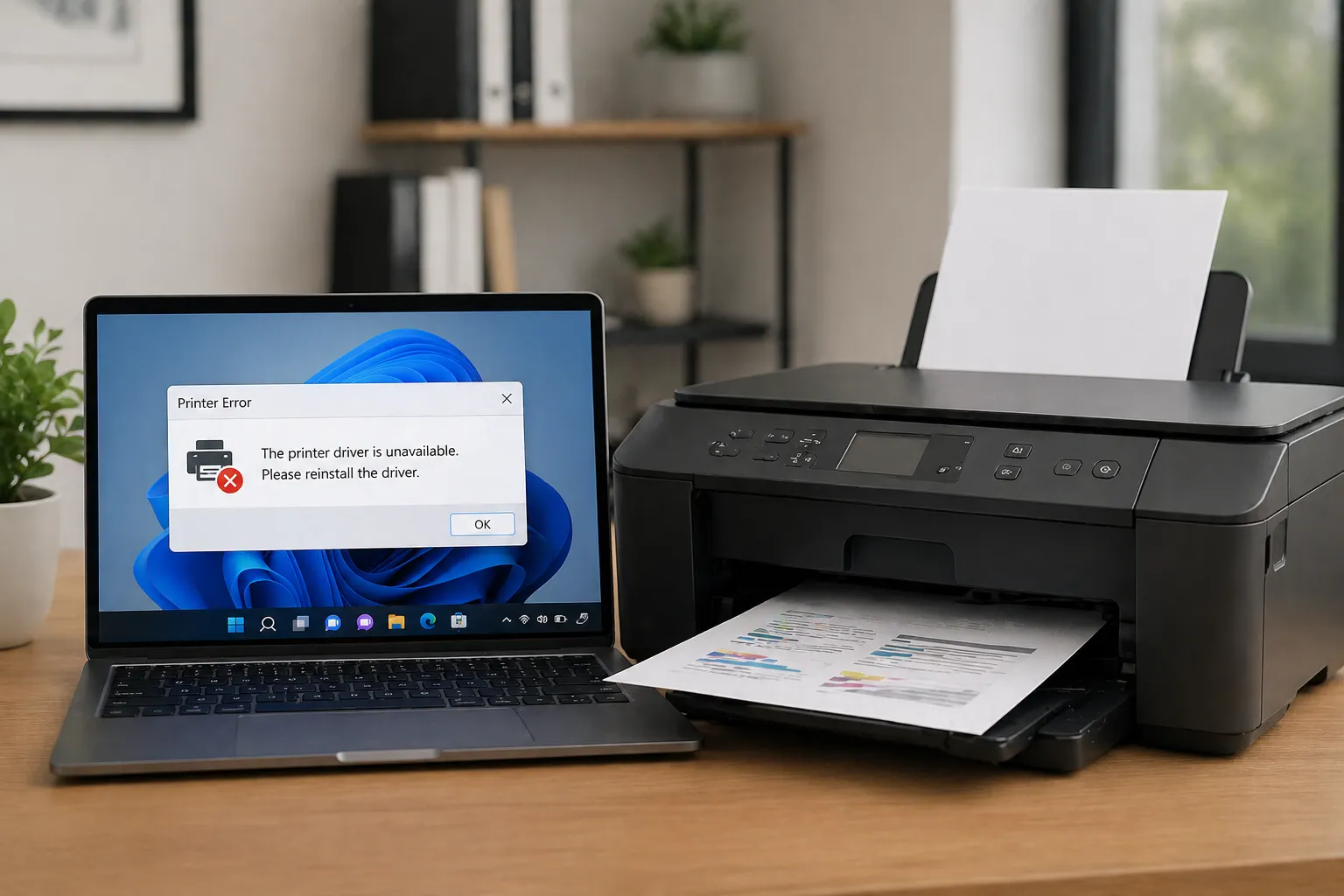
The Purpose of Driver Software
A printer driver is software that translates data from a computer into a language that a printer can understand. Each printer model has its own unique way of working, so specific software is used to make sure the computer sends the right instructions for that model.
Understanding Different Software Types
There are different types of software languages used to tell a printer what to do. The two most common types are PCL and PostScript.
- PCL (Printer Command Language): This type of software uses the printer's own parts to help with the work. It is often very fast for printing standard documents.
- PostScript: This type uses mathematical rules to describe a page. It is often used for high-quality images because it makes sure the page looks the same on any printer.
How Information Moves
When you want to print something, the information goes through a part of your computer system called the "Spooler." The Spooler holds the information and sends it to the printer at a speed the hardware can handle. This allows the computer to keep working while the printer is busy.
Comparing Software Versions
Full Software Packages
These often include all the features a printer can use, such as checking ink levels or choosing specific paper trays.
Basic Software Versions
These allow for simple printing tasks and are often already part of the operating system for easy use.
Key Learning Points
Drivers act as a bridge between your PC and hardware.
Different software languages provide different results.
Systems use "spooling" to manage information flow.